Odoo 20 Upgrade Services for a Safe, Planned Move
Upgrade to Odoo 20 with your data, custom modules, and integrations tested before go-live. We audit your database, migrate it on a copy, and cut over in an agreed window, so daily operations keep running.


Your route to Odoo 20
-
Audit Scope + quote
Apps, custom code and integrations reviewed
-
Upgrade a copy Staging
Production cloned, upgraded and error-logged
-
Port modules Odoo 20 ready
Record rules rebuilt as access domains
-
User testing Your sign-off
Key users run daily workflows on staging
-
Cutover Rollback ready
Timed rehearsal, then an off-hours switch
- Record counts
- Open invoices
- Access rights
- API connections
Trusted Clients


Built on Experience. Trusted for Results
Projects Delivered
Enterprise software, SaaS & cloud apps.
Years Experience
Still learning, still building.
Senior Engineers
Full-stack, Cloud & Odoo AI services experts.
Implementation
Long-term partnerships, proven results.
What Is Odoo 20 and Why Upgrade Now?
Odoo 20 is the latest major release of the Odoo ERP, launched in September 2026. It brings AI agents that can create and update records, an offline mode, a simpler access rights model, and hundreds of improvements across Accounting, Inventory, Manufacturing, Sales, and Website. The full list is in the official Odoo 20 release notes.
Key Odoo 20 New Features and Improvements
These are the changes most likely to matter to your business, taken from Odoo's own release notes.
AI Agents That Act on Records
AI agents can now create and update records, answer questions about files, and connect to your database through MCP. AI features use credits bought through Odoo IAP.
Offline Mode
Users can create, edit, archive, and delete records without a connection, which helps field teams, warehouses, and sites with weak coverage.
Simplified Access Rights
Record rules are gone. Access is now set with a domain directly on each access right, which is easier to manage but changes how custom security works.
Smarter Accounting
Bill line prediction from past bills, automated customer invoice reminders, paying bills from Odoo, and multi-ledger consolidation.
Inventory and Manufacturing
Suggested stock levels for reordering rules, a stock aging report, inventory at a past date, split manufacturing orders, and vendor quality rates in Purchase.
Marketing and Website
A workflow builder with webhooks in Marketing Automation, plus structured data, llms.txt, and an AI Website Assistant on the website side.
Business Benefits of Upgrading to Odoo 20
An Odoo ERP upgrade pays off when it removes manual work and lowers risk, not just when it adds features.
Schedule A CallLess Manual Entry
Bill line prediction and AI agents take repetitive data entry off your finance and operations teams.
Better Stock Decisions
Suggested reorder levels and stock aging reports help cut overstock and stockouts.
Work Without a Connection
Offline mode keeps field and warehouse staff productive when the network drops.

Simpler Security
One access rights model is easier to audit than access rights plus record rules.
Ongoing Support and Fixes
Staying on a supported version keeps security patches and bug fixes coming.
Lower Technical Debt
Moving custom code to the current framework makes the next upgrade smaller and cheaper.
What Odoo 20 Changes for Your Upgrade
A few Odoo 20 changes need planning before you migrate. We check each one against your database during the audit.
Custom Security Rules
Custom record rules have to be rewritten as domains on access rights. We map each rule and test it with real user roles.
Field Service Moves to Planning
Odoo has discontinued the Field Service app and moved its features into Planning. We plan the data move and retrain your schedulers.
AI Credit Usage
AI features in Odoo 20 use IAP credits. We help you decide which agents are worth turning on and estimate the cost.
Third-Party App Readiness
Not every Odoo App Store module has an Odoo 20 release yet. We check each one and plan to port, replace, or remove it before go-live.
Odoo 20 Migration Paths We Support
Whatever version you are on today, you go live on Odoo 20 once. Community and Enterprise databases, on Odoo.sh or on-premise.
Odoo 19 to Odoo 20 Upgrade
A single-version step. Usually the fastest path, with a focus on custom modules and the new access rights model.
Odoo 16, 17, or 18 to Odoo 20
A multi-version upgrade with one go-live. We review the framework changes across every release in between.
Odoo 15 and Older to Odoo 20
For larger gaps, we assess whether to upgrade or reimplement selected apps when that is cheaper and cleaner.
Community to Enterprise
Switch editions during your Odoo 20 migration, with licensing, Enterprise apps, and data planned together. Odoo.sh moves can be scoped as well.
What Our Odoo 20 Upgrade Service Includes
Every Odoo 20 upgrade covers more than the database conversion. Here is what is in scope.
Odoo Data Migration
DataYour full business history moves to Odoo 20 and is checked against the old database.
- Full backup before any change
- Record count and balance checks
- Stock valuation reconciliation
Custom Module Migration
Custom CodeEvery in-house module is updated for Odoo 20 and tested on a copy of your data.
- Record rules rewritten as access domains
- Views, reports, and methods updated
- Functional regression tests
Third-Party App Migration
AppsWe check each Odoo App Store module for an Odoo 20 release before the go-live date.
- Version availability check
- Port, replace, or remove plan
- Standard Odoo alternatives reviewed
Integration Testing
ConnectionsSystems that exchange data with Odoo are retested end to end on the new version.
- APIs and webhooks
- Payment and shipping connectors
- eCommerce, BI, and CRM tools
Minimal Downtime Go-Live
CutoverA rehearsed cutover in an off-hours window, with a rollback plan ready.
- Timed rehearsal run
- Cutover checklist
- Rollback plan
Post-Upgrade Support
SupportOur team stays on after go-live to fix issues and help users settle in.
- Hypercare period after go-live
- User guidance on new features
- Option to move to ongoing support
How We Upgrade You to Odoo 20, Step by Step
Each step has a clear output, so you always know where the project stands and what comes next.
Start My Upgrade Audit1. Audit
We review your version, edition, hosting, installed apps, custom code, and integrations, then deliver a scope and fixed quote.
2. Data Migration
We run the upgrade on a copy of production and fix any data issues the run uncovers.
3. Custom Module Migration
Our developers update custom and third-party modules for Odoo 20, including the new access rights model.
4. Testing
We run technical tests, then your key users check daily workflows in a staging environment.
5. Go-Live
After a timed rehearsal, we run the final cutover in an agreed window with a rollback plan ready.
6. Support
We monitor the system, fix issues fast, and help your team use the new Odoo 20 features.
Why Choose Techvoot as Your Odoo Upgrade Partner
We are an official Odoo partner with a team that has moved databases across many versions, from Odoo migration projects to heavily customized ERPs.

Fixed Quote After Audit
No open-ended billing for scoped work.
Tested on a Copy First
Your live database is not touched until cutover.
Functional and Technical Team
Consultants check workflows, developers fix the code.
Integration Experience
Our Odoo integration team retests every connection.
Clear Communication
Regular status updates and one point of contact.
Support After Go-Live
Continue with our Odoo support and maintenance plans.
Odoo Projects We Have Delivered
See how we have handled Odoo projects where downtime or data errors were not an option.
View All Case StudiesOdoo + WhatsApp Automation with n8n Streamlined Furniture Retail Operations in Mauritius
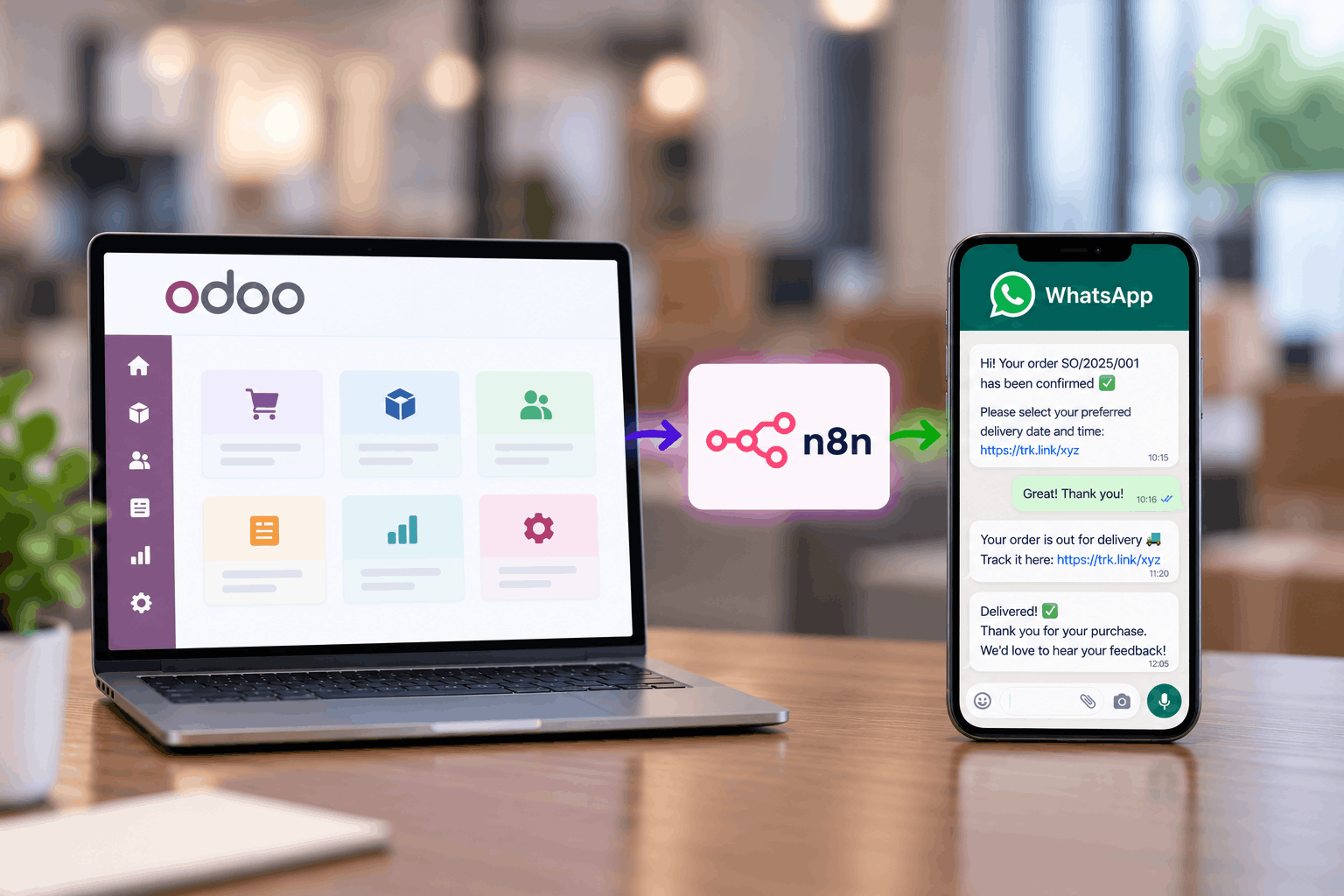
See how Techvoot integrated Odoo ERP and n8n to automate delivery scheduling, driver assignment, proof of delivery and customer support for a Mauritius furniture retailer.
How Odoo ERP Transformed Operations for our UAE-Based Client's Oxy-Hydrogen Equipment Company
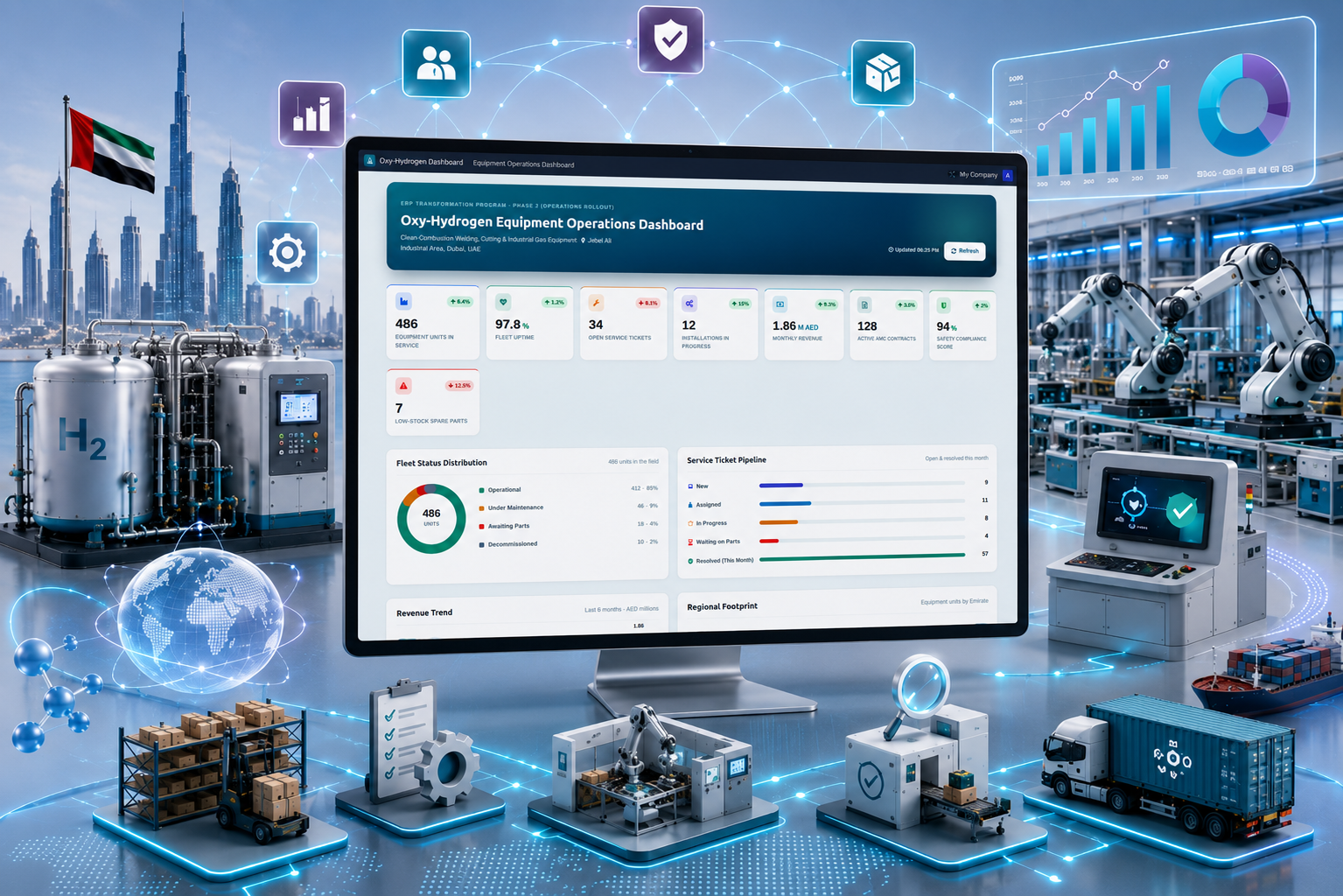
A UAE-based oxy-hydrogen equipment company partnered with Techvoot Solutions to implement a customized Odoo ERP platform that unified manufacturing, inventory, procurement, sales, and finance operations. The solution improved operational visibility, streamlined workflows, and enabled faster business decision-making through centralized ERP management.
Manufacturing Efficiency Boosted by 35% with Odoo ERP
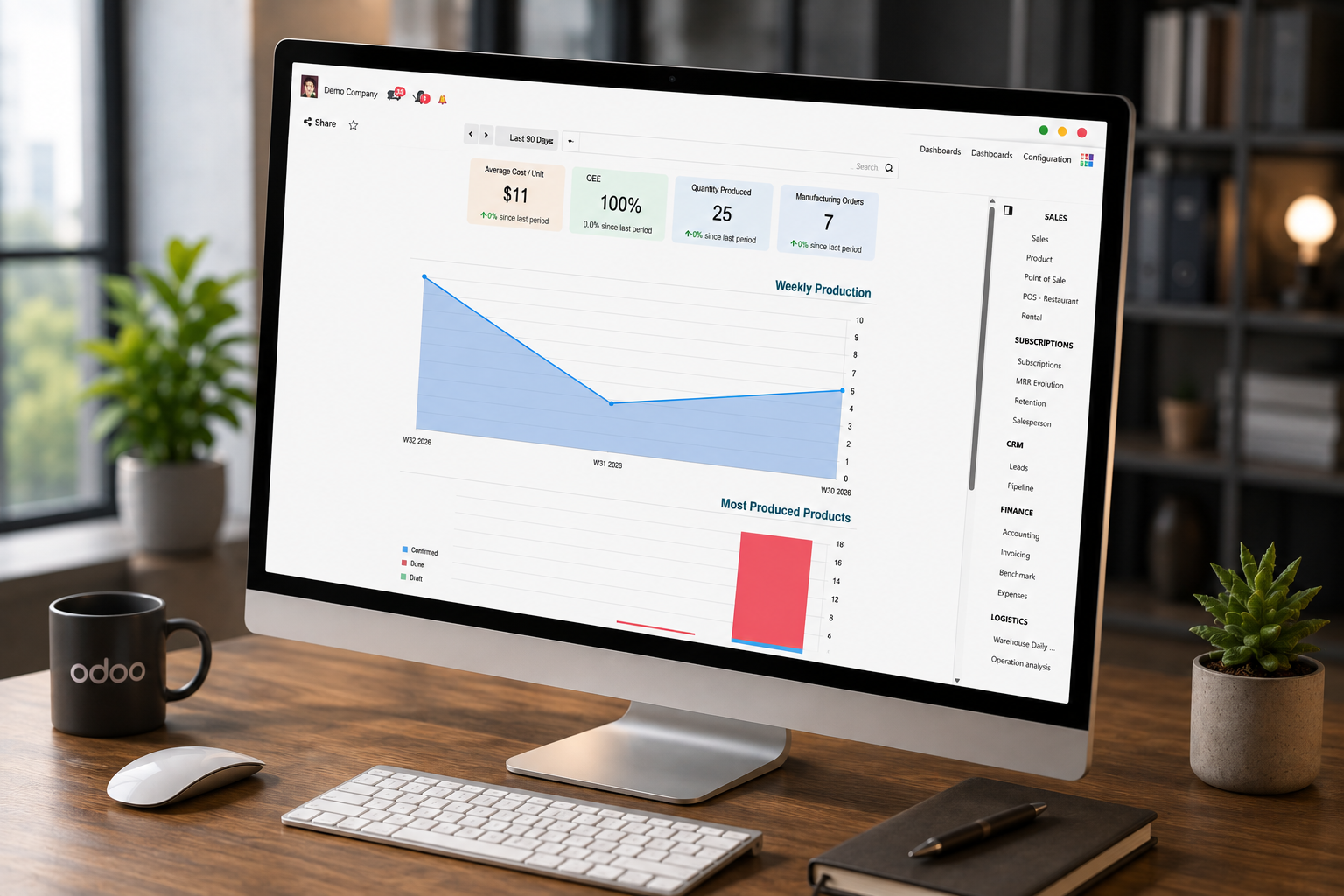
A manufacturing company achieved 35% improved operational efficiency with Techvoot’s Odoo ERP implementation, enabling integrated production, inventory, finance, HR, and logistics management on a single platform.
Our Latest Blog

Top Industries in France Using Odoo ERP to Improve Business Efficiency
Read Full Blog
Odoo ERP for Food & Beverage Manufacturing and Distribution: Complete Guide
Read Full Blog
Top Challenges Facing Furniture Manufacturers and How ERP Solves Them
Read Full Blog
How to Manage Production Schedules in Furniture Manufacturing with Odoo ERP
Read Full BlogFrequently Asked Questions
Answers to common questions about upgrading to Odoo 20. Still unsure?
Should we upgrade to Odoo 20 now or wait?
If you are on Odoo 17 or older, start planning now, because Odoo supports only the three most recent major versions. If you are on Odoo 19, you can schedule the upgrade at a quiet business period. In both cases, an early audit shows how much work your custom modules need.
How long does an Odoo 20 upgrade take?
A standard Odoo 19 to Odoo 20 upgrade with few customizations can take a few weeks. Multi-version jumps, heavy custom code, or many integrations take longer. You get a written timeline after the audit.
Can we upgrade directly from Odoo 16 or older to Odoo 20?
Yes. The database passes through each version in between, but you only go live once. We test the final Odoo 20 result, not every step, so your team sees one cutover.
Will our custom modules work in Odoo 20?
Not without review. Odoo 20 replaces record rules with domains on access rights and changes several models and views, so most custom modules need updates. We migrate and test each module on a copy of your database before go-live.
Do you upgrade Odoo Community databases?
Yes. Odoo's official upgrade service covers Enterprise databases. For Community, we use open-source migration scripts from the OCA OpenUpgrade project where they exist for your version, and write our own where they do not. We confirm the approach during the audit.
How much downtime should we expect?
Most cutovers fit into a weekend or an agreed off-hours window. We rehearse the full upgrade first, so we know how long the final run takes before we book it.
Will our data and history be preserved?
Yes. Invoices, stock moves, journal entries, contacts, and chatter history carry over. We compare record counts, open balances, and stock valuation between the old and new databases before sign-off.
How much does an Odoo 20 upgrade cost?
The cost depends on your current version, the number of custom and third-party modules, integrations, and data volume. You get a fixed quote after the audit, before any upgrade work starts.
What our clients say
I had the opportunity to work with Techvoot Solutions on a major software project called SchedFAST. Without their support, I'm not sure how far the project would have progressed. Their team is highly detail-oriented and takes the time to ensure everything functions exactly as it should. I would confidently recommend Techvoot Solutions to any company, anywhere in the world, looking for a dependable technology partner.

I worked with Dhaval for over a year on multiple projects, during which he consistently demonstrated strong technical expertise, particularly in blockchain trading platforms and cryptocurrency solutions. His skills and performance played a significant role in the success of these projects. Dhaval's ability to think beyond conventional approaches, combined with his reliability and punctuality, made him a valuable contributor throughout our collaboration.

It was a pleasure working with Kevin. He quickly understood the requirements and delivered the work efficiently and on schedule. The code was reviewed by our internal development team and rated highly for its quality. We look forward to working together again in the future.

I've had the pleasure of working with Dhaval for quite a long period of time. Dhaval has always been quick to respond and gets things right the first time. Dhaval had a deep understanding of our software and made many suggestions that made it a much better offering.

Kevin and his team are a great development and support team. They bring strong technical expertise and guide you through every stage of the project until completion. Their support and commitment make the entire process smooth and reliable. I would highly recommend Kevin and his team.

They are one of the most highly professional team we ever worked with. They have the required knowledge and they use latest technologies. They not only deliver on time but also provide quality work.


I highly recommend Kevin as an exceptional software development professional. He effectively manages both web and mobile development, with strong expertise in iOS and Android platforms. Having worked with him for over two years, I've consistently been impressed by his technical skills, reliability, and ability to deliver high-quality results.

Brilliant work, excellent communication, and consistently timely delivery. The entire experience was smooth and hassle-free. I would definitely work with them again and highly recommend them to anyone looking for reliable IT services.

Techvoot Solutions has proven to be a reliable and dependable partner. Their team is responsive, accommodating, and consistently attentive to our requests. They deliver work on time while remaining flexible as our needs evolve. What stands out is their transparency; they're always clear when it comes to invoicing and communication, which builds a strong sense of trust. Overall, Techvoot Solutions is a partner we're confident in and would highly recommend.

Techvoot Solutions delivered the app on time and met all expectations. Their team maintained clear and consistent communication throughout the project, with regular virtual meetings that kept everything aligned and on track.

I had a great experience working with Kevin and Ravi. They were incredibly supportive throughout the process and consistently delivered excellent service. I would highly recommend them to anyone looking for reliable web development services.

Techvoot Solutions has been a reliable and consistent partner. Their ability to understand our requirements and act on feedback quickly has made the collaboration smooth and productive. Communication is clear, response times are prompt, and deadlines are always respected. They have a strong grasp of what's needed and consistently deliver solutions that align with our expectations. A dependable team that takes quality seriously in every aspect of their work.

They demonstrated a solid understanding of the scope and were able to deliver the expected outcomes. Techvoot Solutions ensured 99.5% uptime and achieved a 95% satisfaction rate in post-project surveys, delivering the app on time with an agile workflow. The team's responsiveness and structured project management truly stood out.

Techvoot Solutions demonstrated a deep understanding of our requirements and translated them into a solution that delivered real, measurable impact. Their work reduced manual effort by 60%, streamlined task tracking, and significantly improved overall team productivity. What stood out was their structured approach to project management; highly responsive, detail-oriented, and quick to incorporate feedback. Communication was seamless throughout, making the entire collaboration efficient, transparent, and results-driven.

They are highly cooperative and friendly.The team was flexible and responsive to feedback, adhered to timelines, and consistently demonstrated a friendly and collaborative approach.

Their responsiveness, flexibility, and commitment to quality made them stand out. Partnering with Techvoot Solutions led to remarkable improvements in efficiency, productivity, accuracy, cash flow, and engagement. The team managed the project with precision, delivering on time, adapting quickly to changes, and providing consistent support.

They are proactive, quick to respond, and always focused on delivering smart, effective solutions. Techvoot Solutions' work has improved my operations, customer experience, and website traffic. The entire team is professional, well-organized, and flexible. They deliver on time, communicate smoothly, and are always open to feedback.

They are highly professional and efficient, delivering excellent and reliable development work. The team works quickly without compromising on quality and demonstrates strong technical expertise throughout. Their professionalism and consistency make them a dependable partner.

Techvoot Solutions demonstrated a strong understanding of their field and delivered the project on time. The team listened well and understood our needs. The team was easy to work with and communicated via virtual meetings, emails, and messages.

They delivered exceptional quality relative to the investment. The team created a design system that aligned seamlessly with our style guidelines and was immediately put to use. They worked efficiently, iterated quickly based on feedback, and maintained clear communication throughout the project. Everything was delivered on time, making the overall experience smooth and reliable.

Working with Techvoot Solutions has been an outstanding experience. Their technical expertise, combined with a genuine commitment to client success, sets them apart. The teams professionalism, problem-solving skills, and kindness make them more than just a technology partner, they are a trusted extension of our business.

Techvoot Solutions helped us launch three weeks ahead of schedule. Their team consistently delivered high-quality work on time and communicated clearly throughout virtual meetings. They were helpful, professional, and genuinely committed to our projects success.

Techvoot Solutions successfully delivered and launched our website, earning positive feedback. Their team managed the project efficiently, responded quickly to our needs, and patiently handled multiple changes throughout the process.

Techvoot Solutions successfully improved our systems performance and integrated Angular, Node.js, and Elasticsearch components. Their organized project management, responsive communication, and timely delivery made the entire experience highly satisfactory.

Techvoot Solutions improved our platforms performance, stability, and scalability while strengthening its mobile responsiveness, user experience, and backend functionality. Their quick response, respectful communication, and strong technical expertise truly stood out.
.jpg "Anonyms")